All your playlists, in one place
Add several M3U or Xtream Codes subscriptions and switch between them in a tap. Shadow even shows their expiry date.
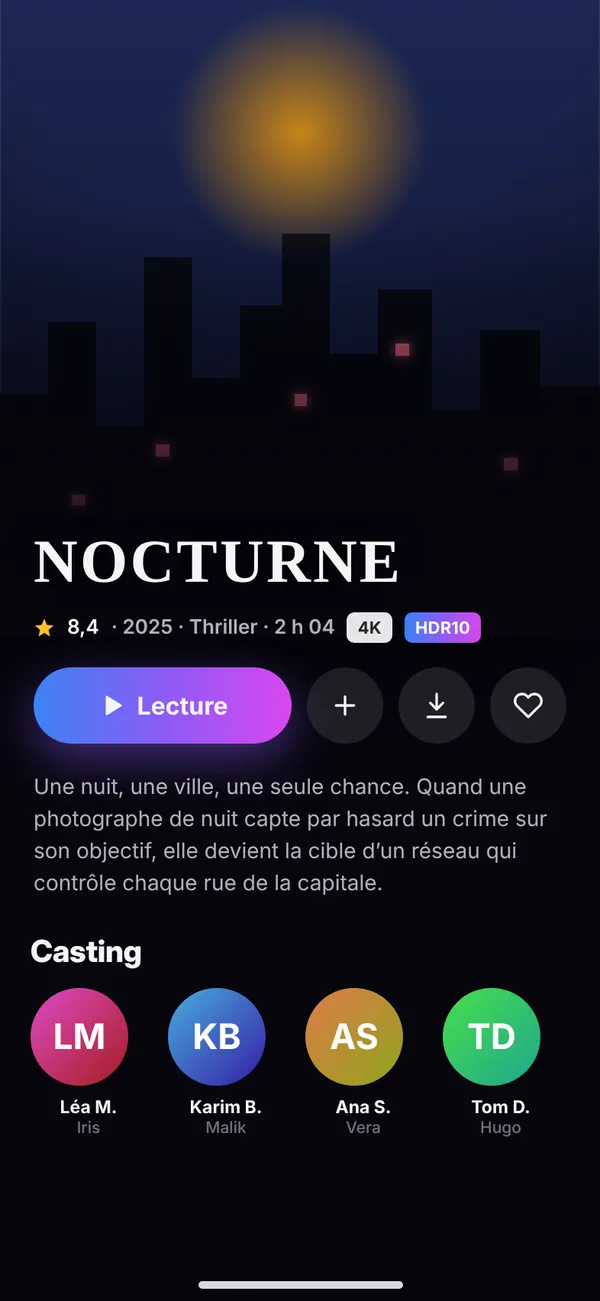
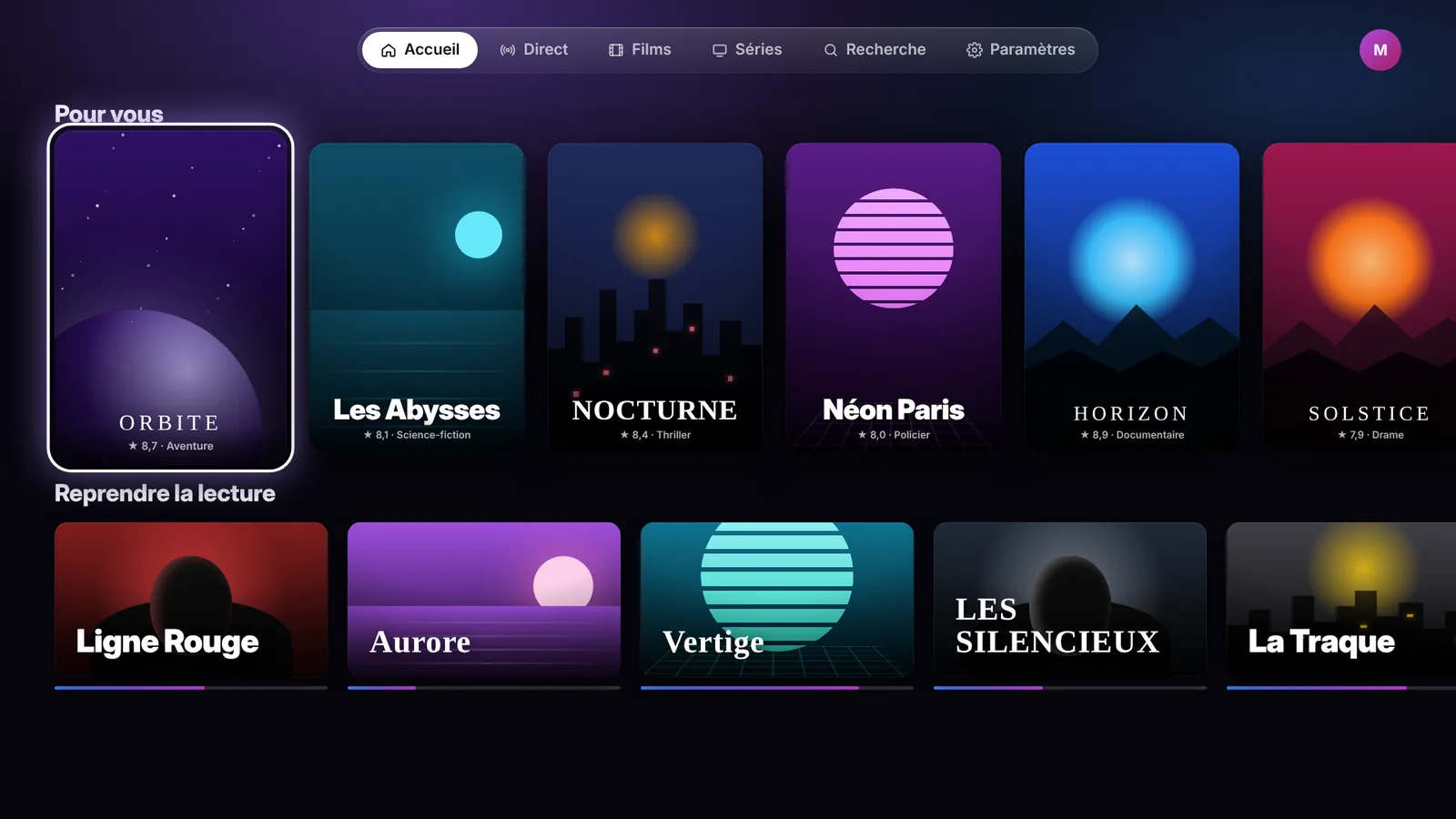
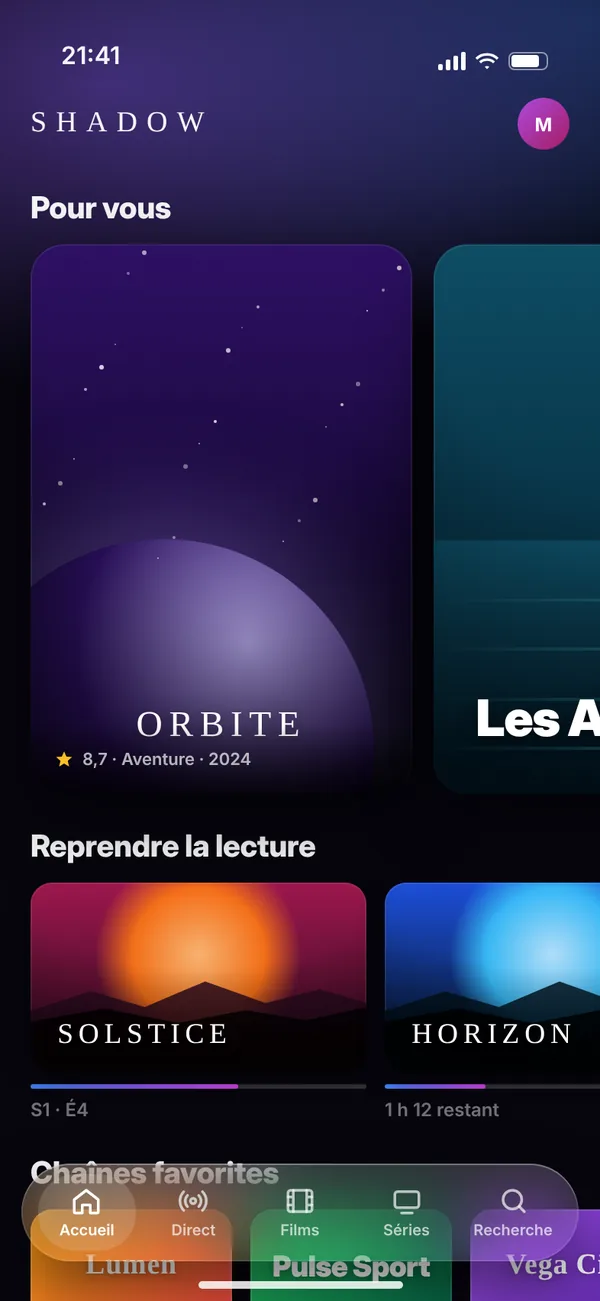
Shadow turns your playlists into a cinema experience. Live channels, movies and series together in an elegant, fluid interface designed for the Apple ecosystem.
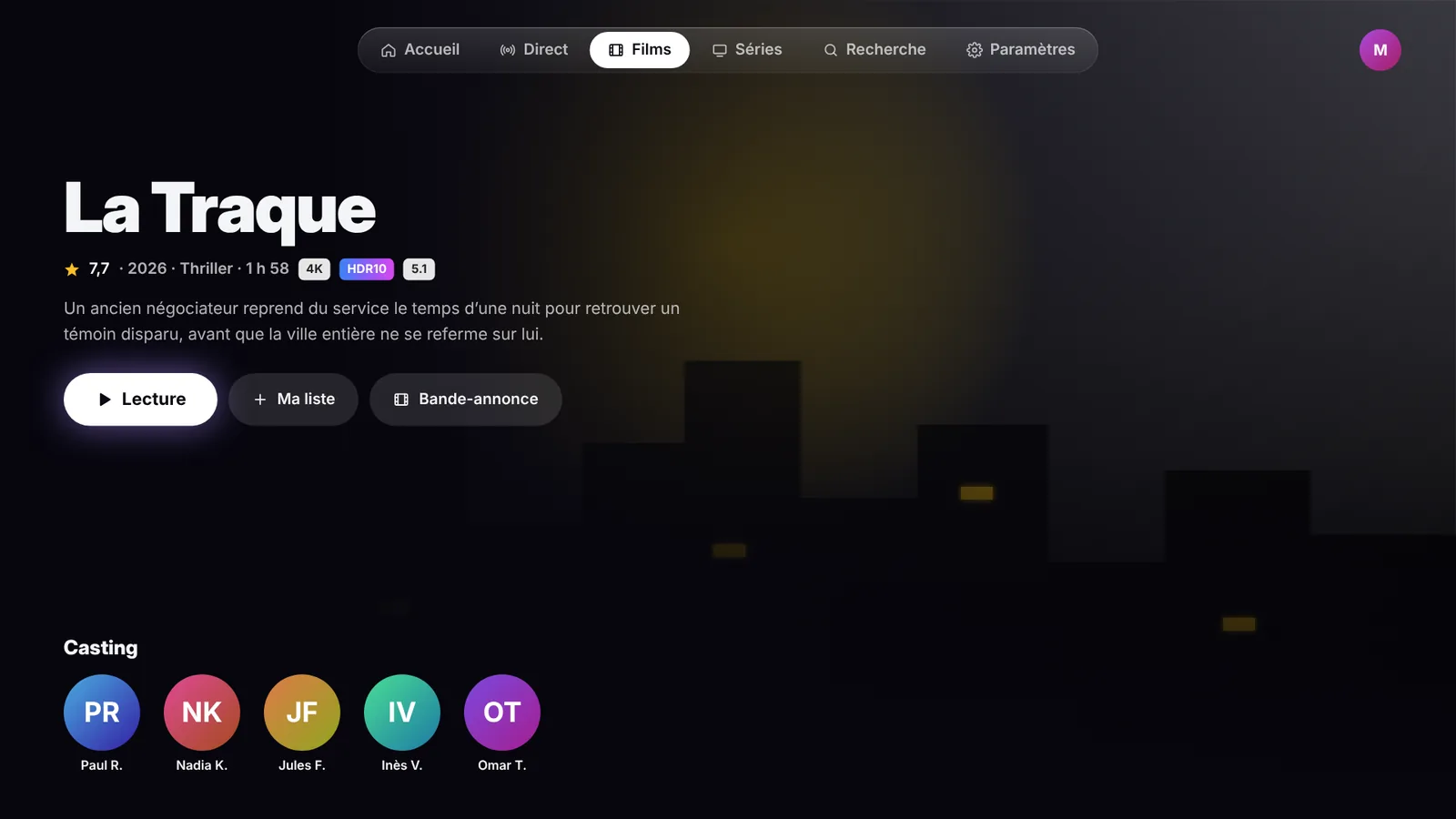
Add your playlist and Shadow handles the rest. Your channels, movies and series are organized automatically, ready to watch.
Add several M3U or Xtream Codes subscriptions and switch between them in a tap. Shadow even shows their expiry date.
Hide, lock or reorder channels, movies and series. Choose the order and visibility of your home screen sections.
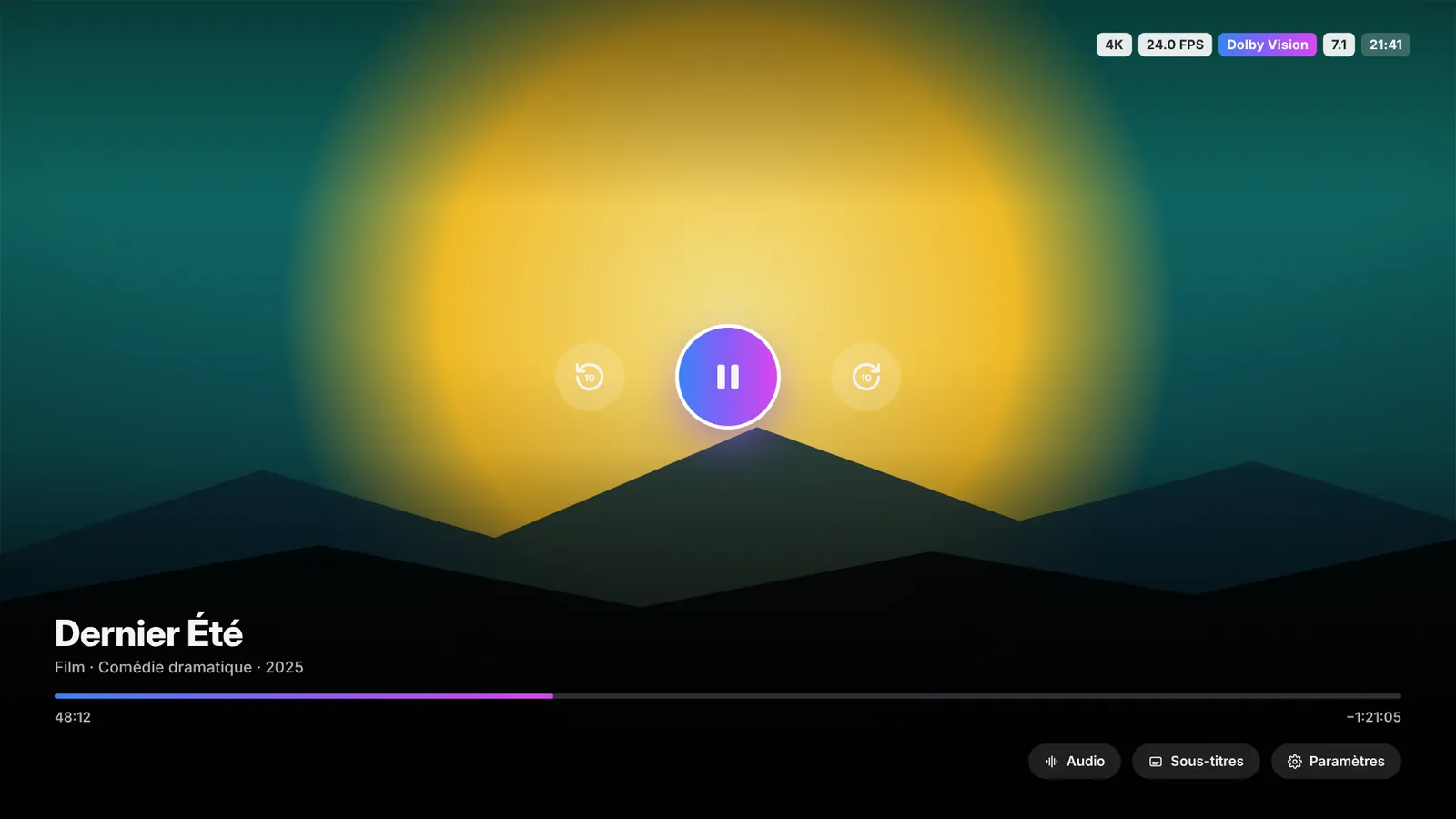
4K, HDR10, HLG and Dolby Vision, 5.1 and 7.1 sound. Three playback engines to choose from, set separately for live TV and on demand.
Favorites, resume points, watched titles and profiles follow you via iCloud. Start on iPhone, finish on Apple TV.
Your passwords stay in your device's Keychain. No ads, no analytics, no data resale.
Tabs at the top, enlarged focus, automatic next episode, resume to the second and your content right in the Top Shelf. Your living room becomes a movie theater.


One app, with navigation designed for each device: tab bar on iPhone, sidebar on iPad and Mac, keyboard shortcuts on Mac.


Already have a favorite? On iPhone, iPad and Apple TV, Shadow can open your content in VLC or Infuse.
We build Shadow with our community. Regular updates, shaped by your feedback.
The best of technology and design, for an experience that is as simple as it is enjoyable.
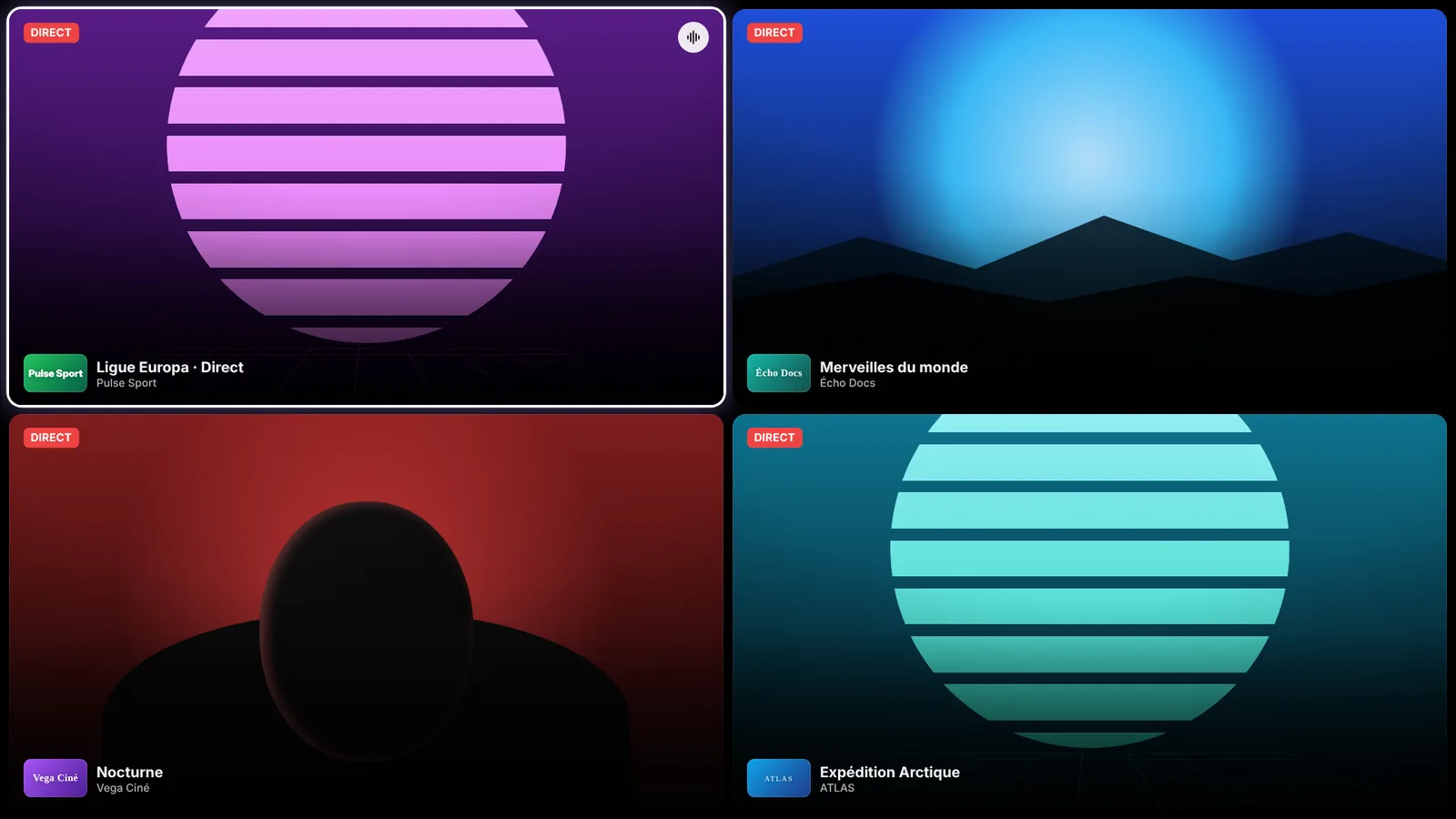
Watch 2 or 4 live channels side by side, perfect for game nights.
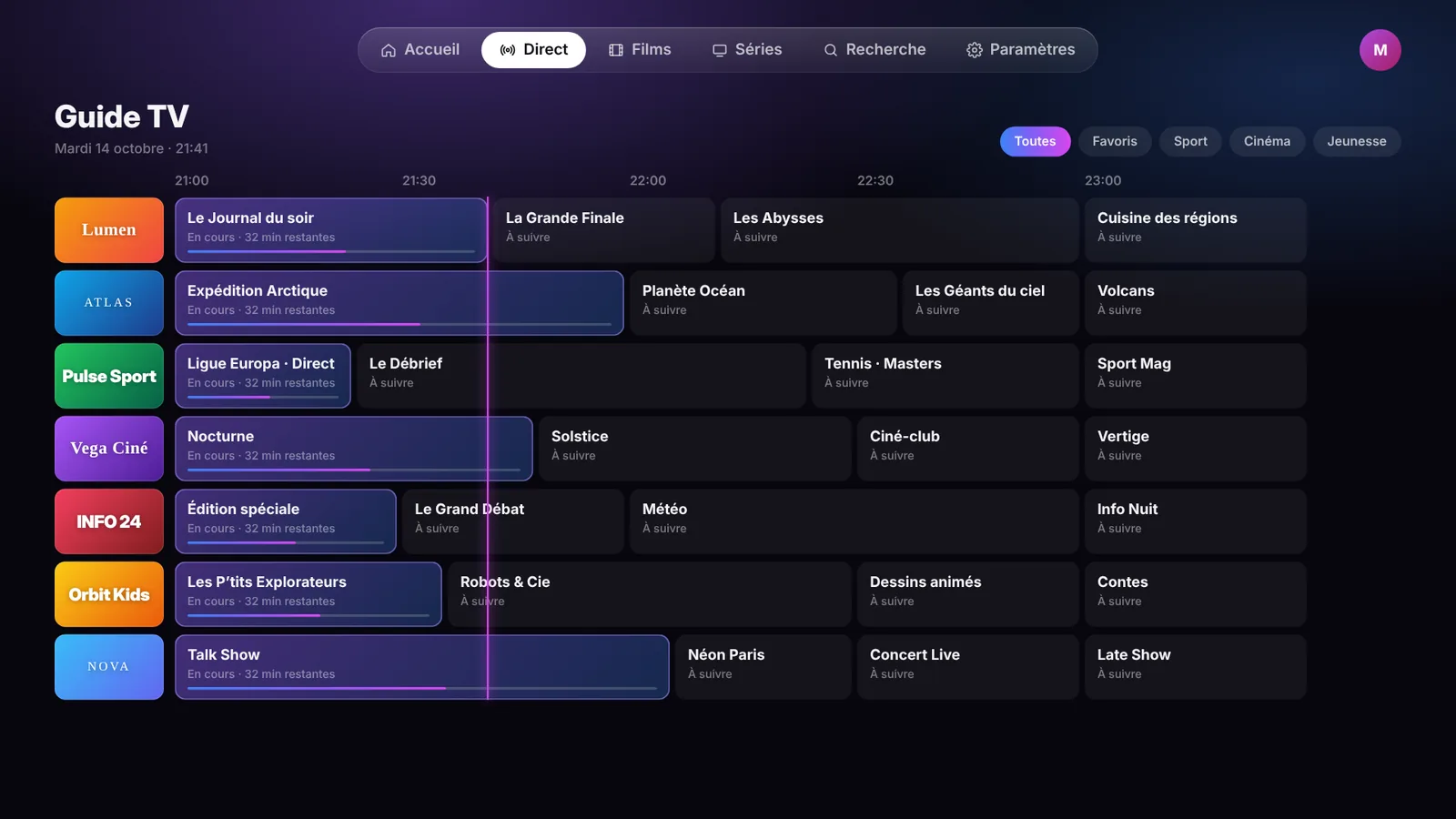
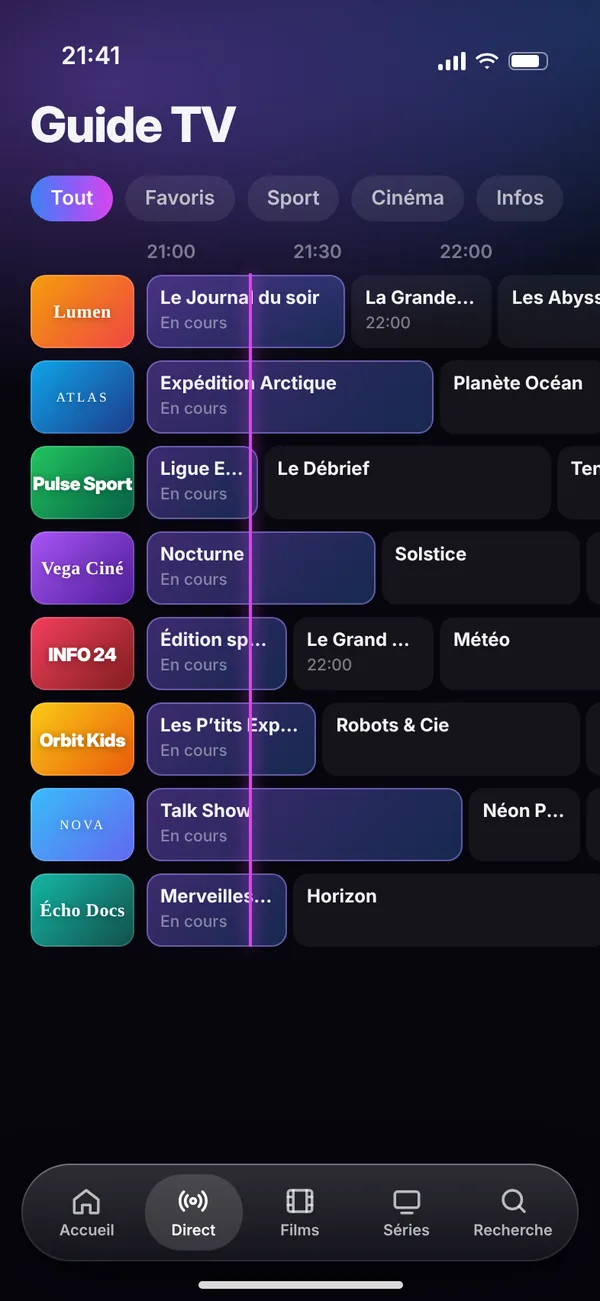
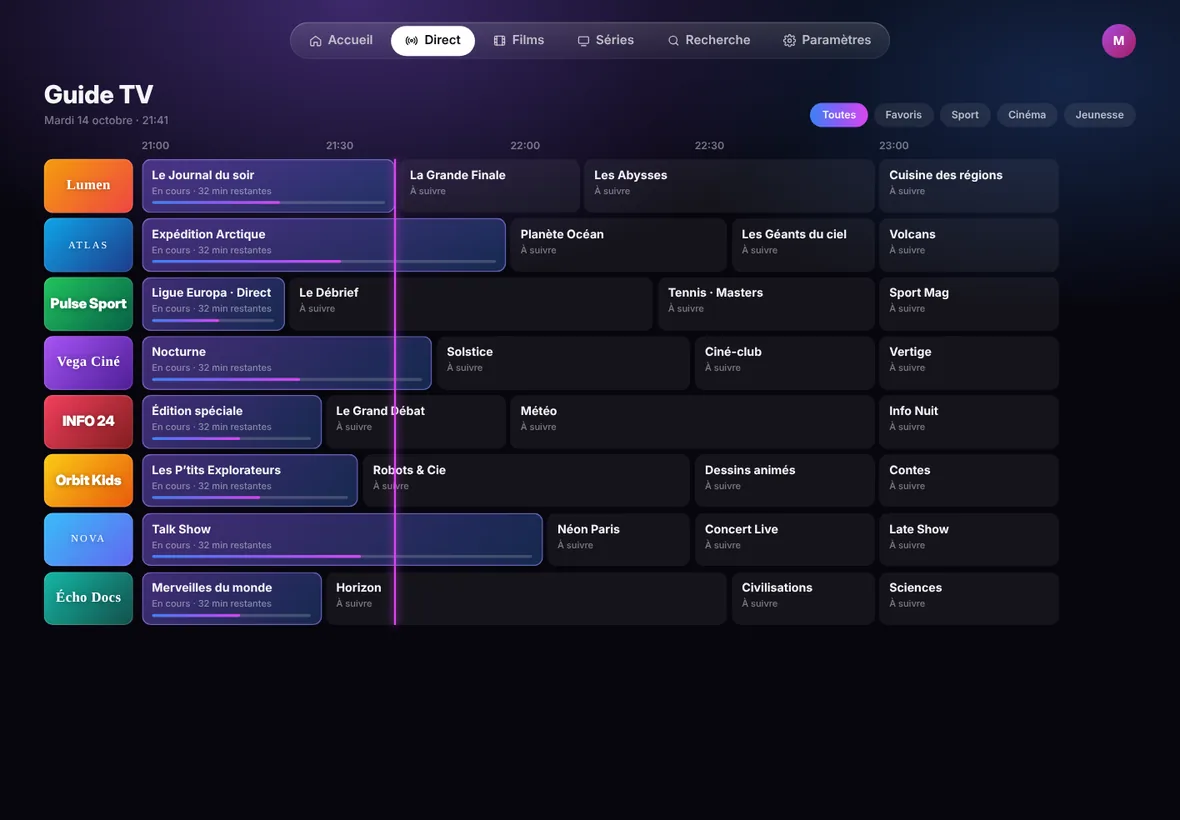
What's on now everywhere, a full schedule grid and catch-up on past shows when your provider offers it.
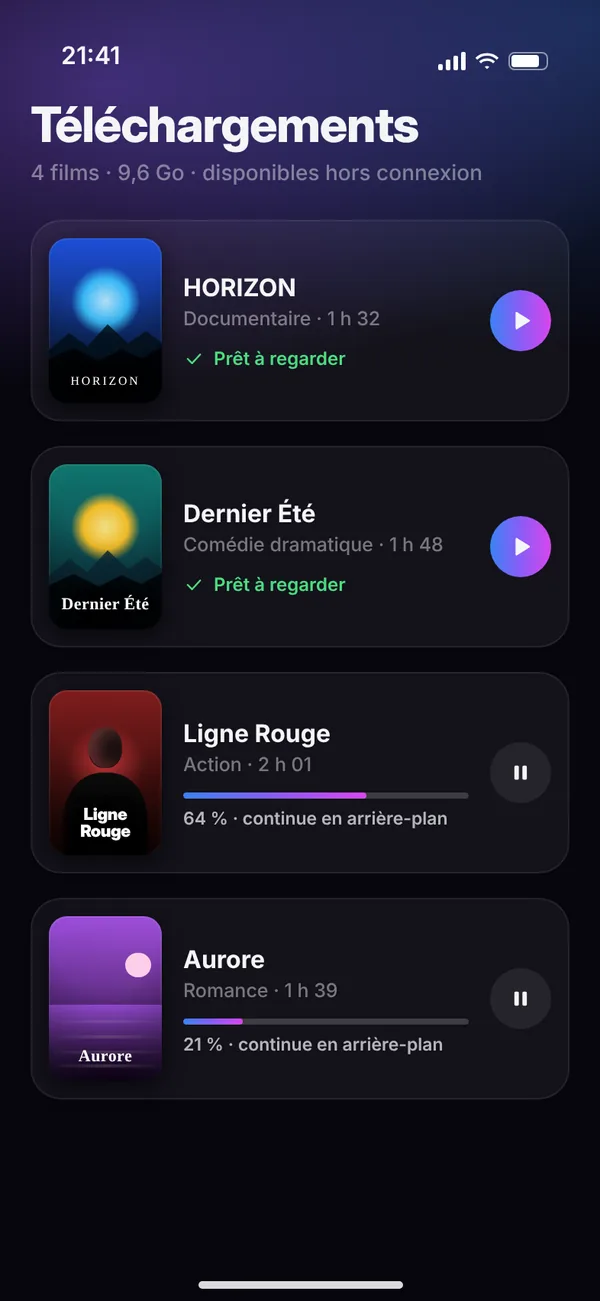
Save movies to watch offline on iPhone, iPad and Mac.
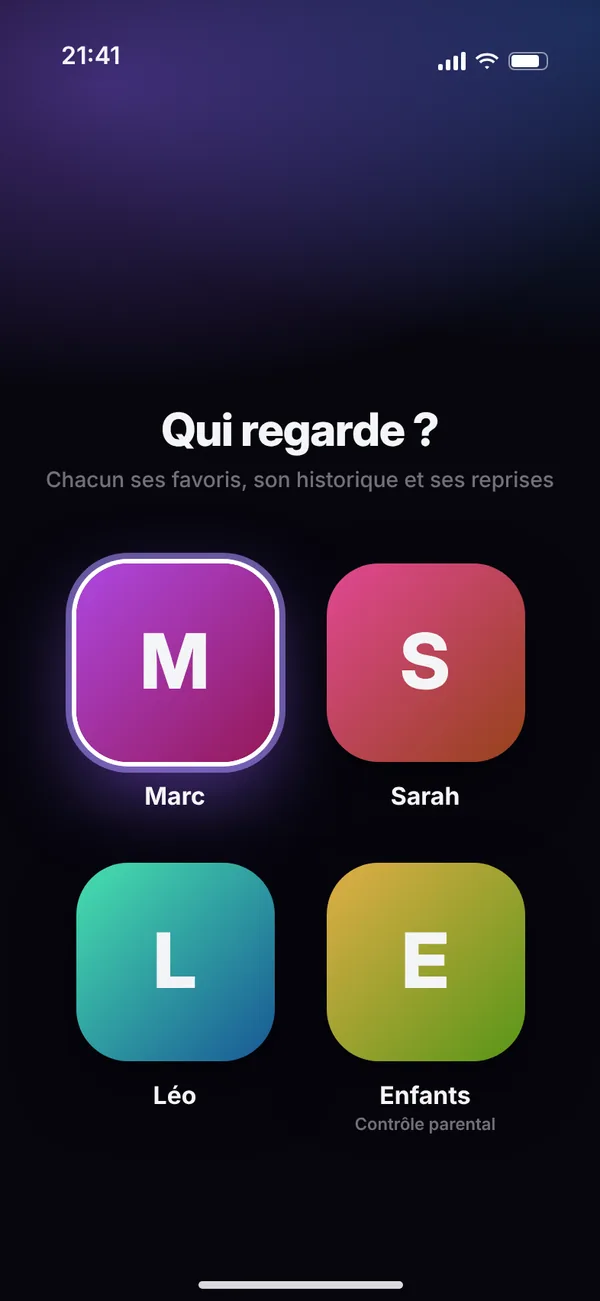
A profile for each family member, with their own favorites, progress and watchlist.
A 4-digit code and locked categories for channels, movies and series.
Instantly find any channel, movie or series, with recent searches and trends.
Audio tracks and subtitles, built-in OpenSubtitles search and Trakt history sync.
Set a reminder from the TV guide: a notification takes you straight to the channel.
Playback continues while you browse, in the mini player or Picture in Picture.
“Perfect for my streaming needs. Easy to use and very reliable.”
“I've tried a lot of apps, this is clearly the most beautiful and the smoothest.”
“Set up in two minutes and the whole family finds their way on Apple TV.”
No. Shadow is a media player only: it does not provide, host or sell any content, channel or playlist. You need to add your own M3U playlist or Xtream Codes login, legally obtained from your provider. Shadow is not affiliated with any provider and does not recommend any.
Yes. On first launch, choose “Try with the demo playlist” to explore the app with a demo catalog made only of royalty-free content: Blender Foundation open movies (Creative Commons licensed) and public test streams from Apple, Mux and Akamai.
Yes, 100%. Shadow has no subscription, no in-app purchases and no paid tier: every feature is free on all your devices.
Shadow runs on iPhone and iPad (iOS 17 or later), Mac (macOS 14 or later) and Apple TV (tvOS 17 or later). It's free on every device signed in with the same Apple Account and available in 15 languages, including English and French.
Xtream Codes accounts, M3U / M3U8 playlists and XMLTV TV guides, including compressed ones (.xml.gz).
First check that your subscription is active and that the channel works with your provider. Then try refreshing the playlist or switching the playback engine in Settings › Player. If the problem persists, write to us from the Support page.
Download Shadow for free — no subscription, no in-app purchases — and rediscover your channels, movies and series.
Download on theApp Store